Comfortable posture supports longer practice
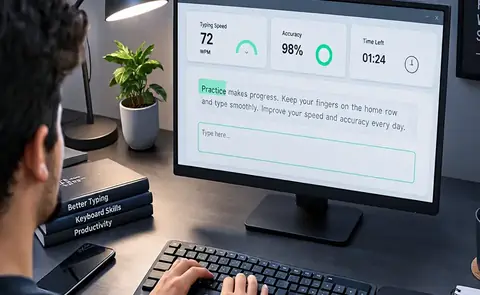
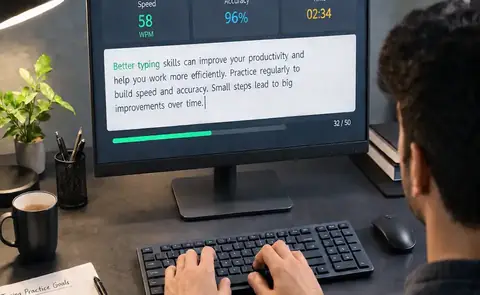
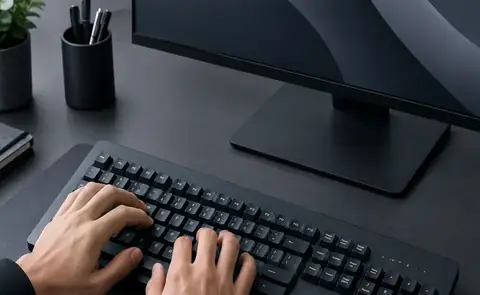
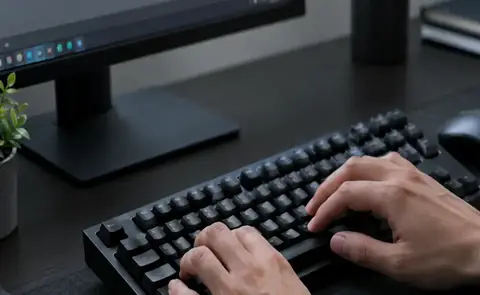
Typing technique is not only about fingers. A stable chair, comfortable screen height and relaxed shoulders can make longer sessions easier. Keep the keyboard at a height where your arms can rest naturally rather than reaching upward or bending sharply at the wrists.
Take brief pauses during long sessions. Move your hands, relax your shoulders and look away from the screen. Comfort helps you practice consistently, which is ultimately more important than forcing a long session.
Turn the idea into a habit
Good typing improvement is cumulative. The value of a technique appears when you repeat it across many short sessions. Avoid changing several variables at once. If you are working on accuracy, keep the passage and time reasonable. If you are testing speed, keep the conditions consistent. This makes it easier to understand what actually helped.
Use the wider AZ Typing Guide to choose your next lesson, then return to the AZ Typing test for hands-on practice.