Shortcuts that reduce unnecessary mouse use
Keyboard shortcuts can make everyday computer work faster even if they do not directly increase words per minute. Learn the shortcuts you repeat most: copy, paste, undo, save, select all, find, and common browser navigation.
Start with a small set and use it naturally. The point is not to memorize a giant list. It is to reduce repeated mouse movement and keep your attention on the document or task in front of you.
Turn the idea into a habit
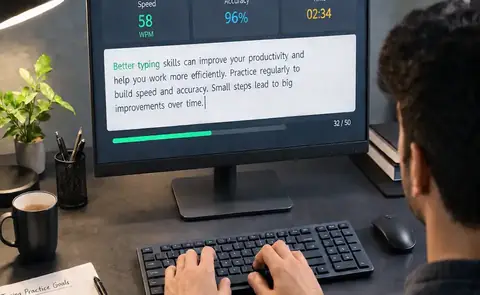
Good typing improvement is cumulative. The value of a technique appears when you repeat it across many short sessions. Avoid changing several variables at once. If you are working on accuracy, keep the passage and time reasonable. If you are testing speed, keep the conditions consistent. This makes it easier to understand what actually helped.
Use the wider AZ Typing Guide to choose your next lesson, then return to the AZ Typing test for hands-on practice.