Home row and finger placement
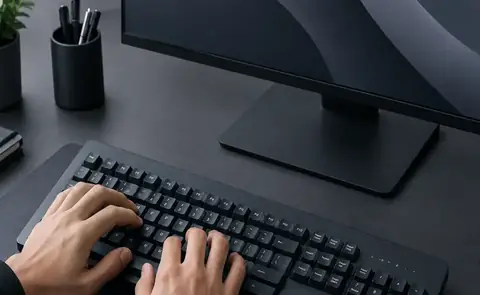
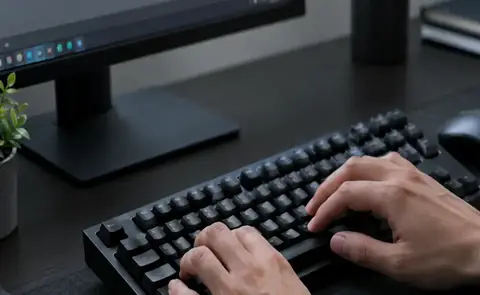
Touch typing becomes easier when the hands have a stable starting point. On a standard QWERTY keyboard, the home row provides that anchor. The exact finger assignment can be learned gradually; the important part is to return to a consistent resting position.
Keep the wrists neutral and avoid pressing keys with unnecessary force. Fingers should move toward their keys and return naturally. If a movement feels awkward, slow down until you can repeat it without tension.
Turn the idea into a habit
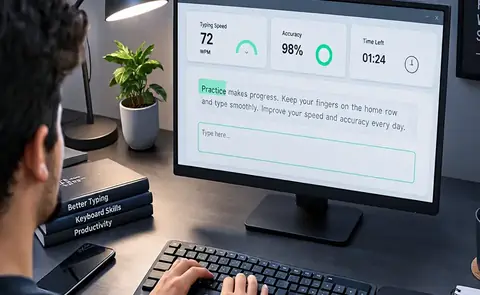
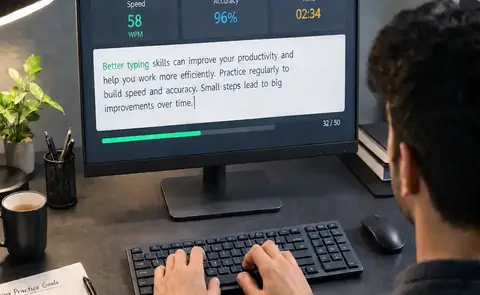
Good typing improvement is cumulative. The value of a technique appears when you repeat it across many short sessions. Avoid changing several variables at once. If you are working on accuracy, keep the passage and time reasonable. If you are testing speed, keep the conditions consistent. This makes it easier to understand what actually helped.
Use the wider AZ Typing Guide to choose your next lesson, then return to the AZ Typing test for hands-on practice.